Game Maps IRL
Navigate like
you're in a game
Your real city, rendered in the style of the game worlds you love. Real roads, real routes, turn-by-turn voice guidance — wrapped in a map that looks straight out of your favourite game.
Free to download. Premium maps with a weekly or yearly subscription.
Features
Real navigation.
Game aesthetics.
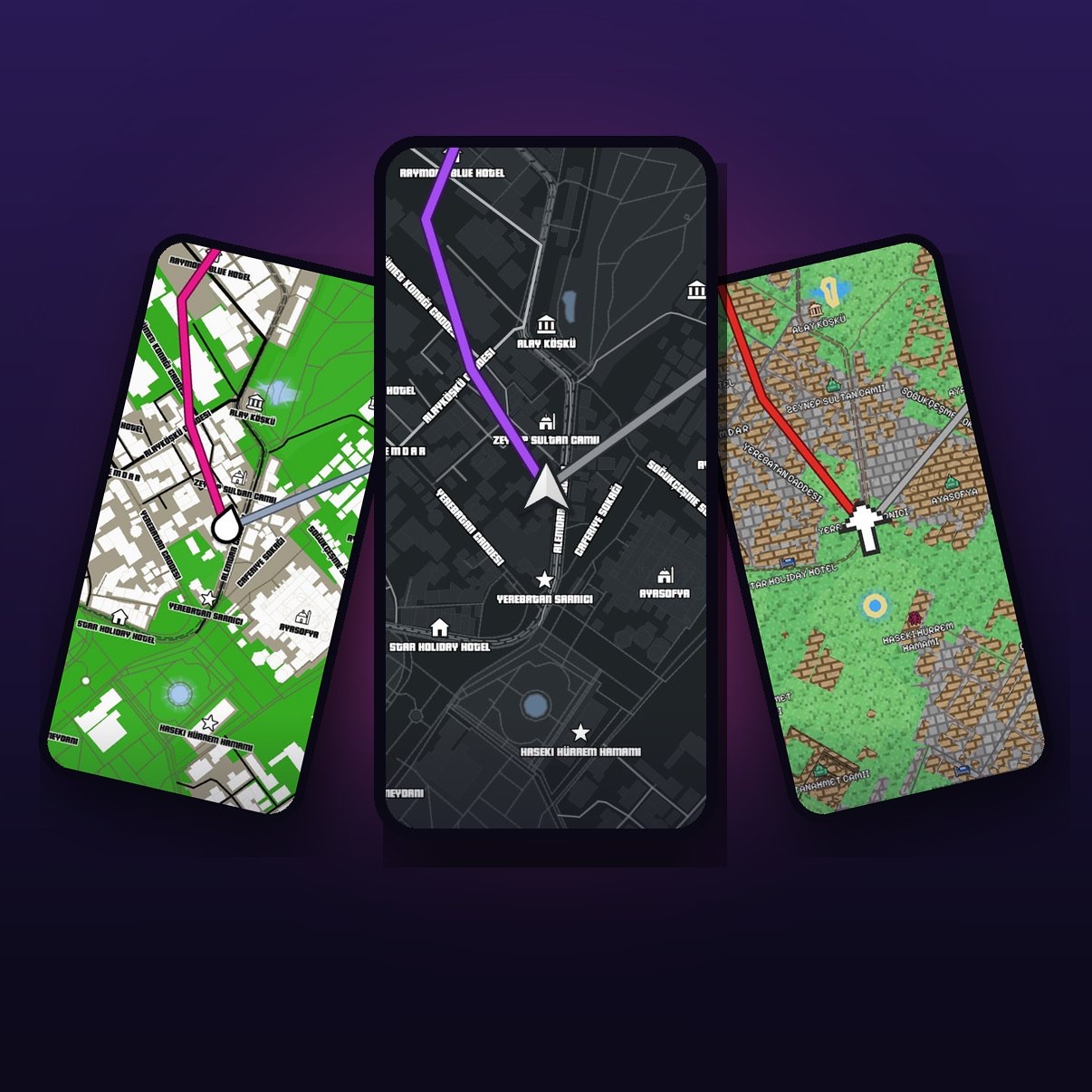
Every road looks like it belongs in a video game — without losing any accuracy.
Game-styled maps
Hand-crafted map themes with their own colours, fonts, icons and 3D buildings. Switch worlds whenever the mood strikes.
Turn-by-turn navigation
Search any place, preview the route and drive with spoken directions in your language — with traffic on the route line.
3D vehicles
Drive as a 3D car, a pixel arrow or your map's own marker. Pick your ride from a growing garage.
Pick a world
Spin the globe, browse collections and choose the map that matches your favourite game.
Saved places
Keep home, work and favourite spots one tap away. They stay on your phone.
New worlds regularly
New themes and vehicles arrive over the air — no app update needed.
The maps
Choose your
world
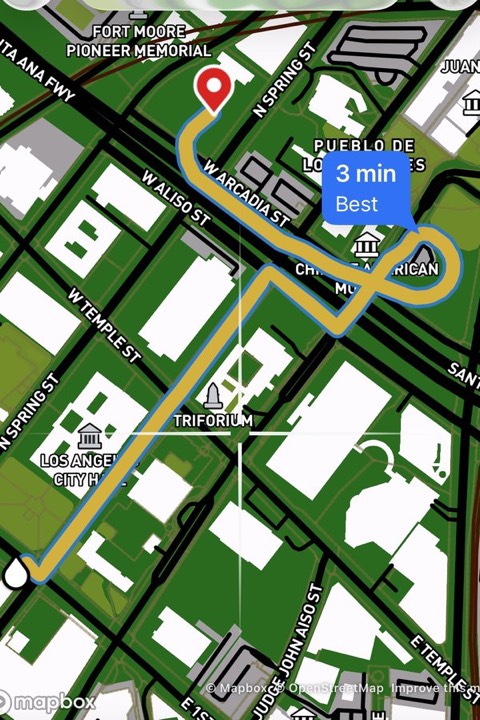
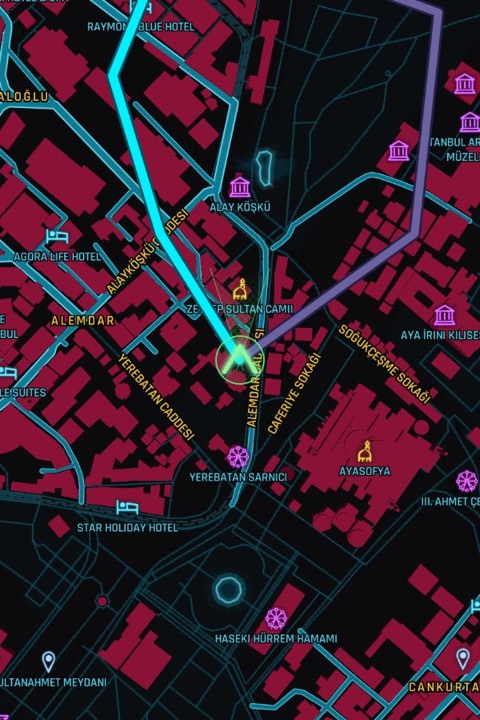
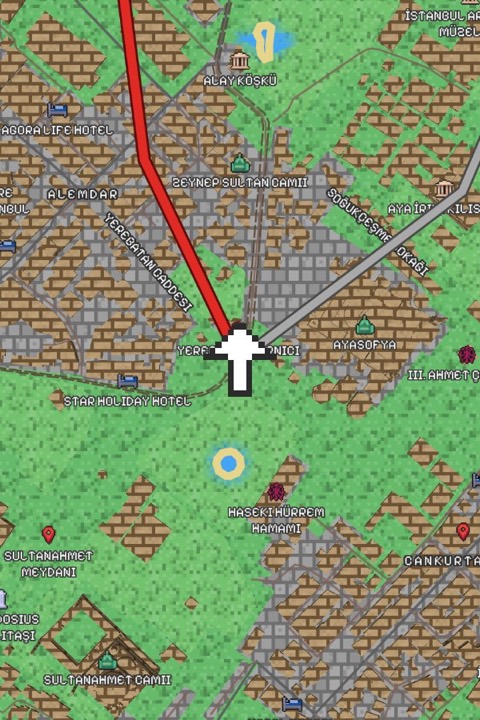
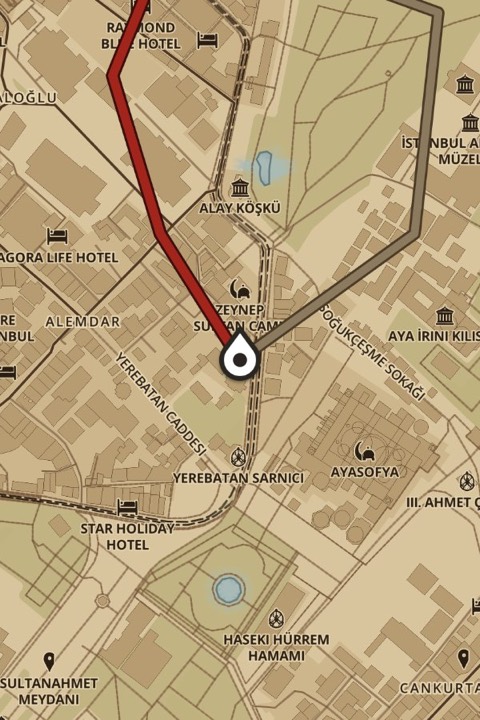
Two maps are free forever. Unlock every world with Premium.
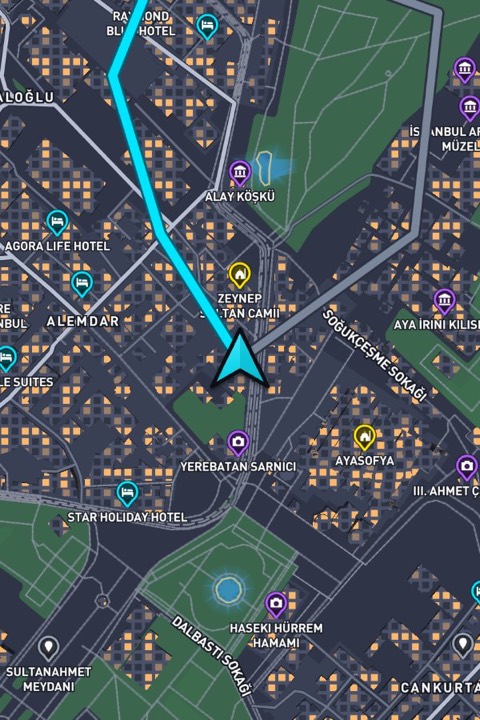
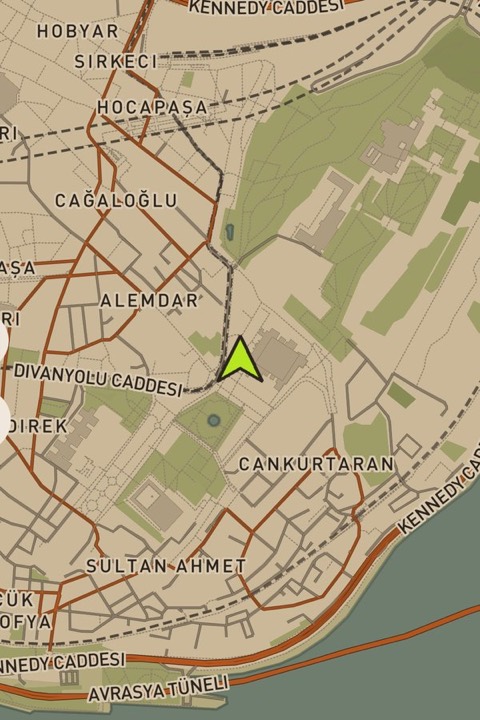
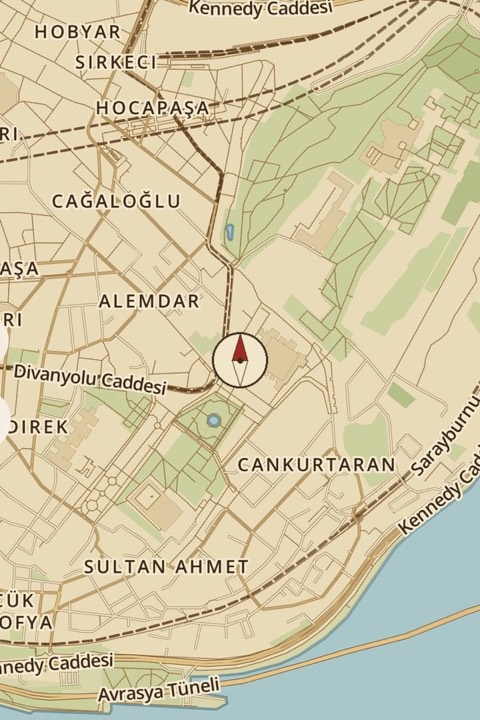
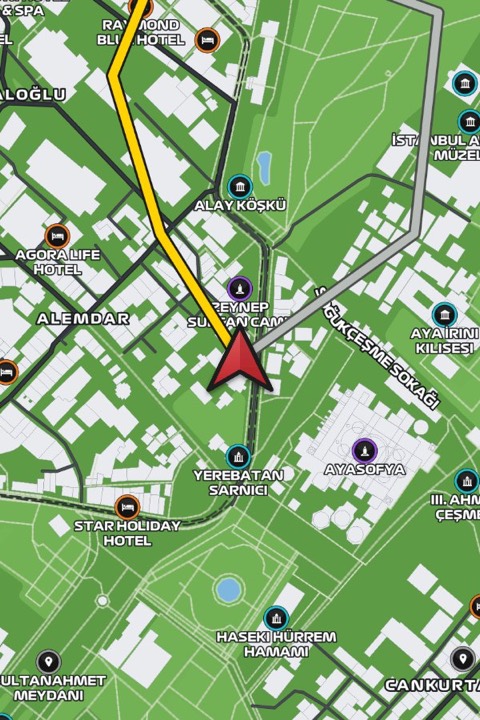
Apple CarPlay
Your dashboard,
reimagined
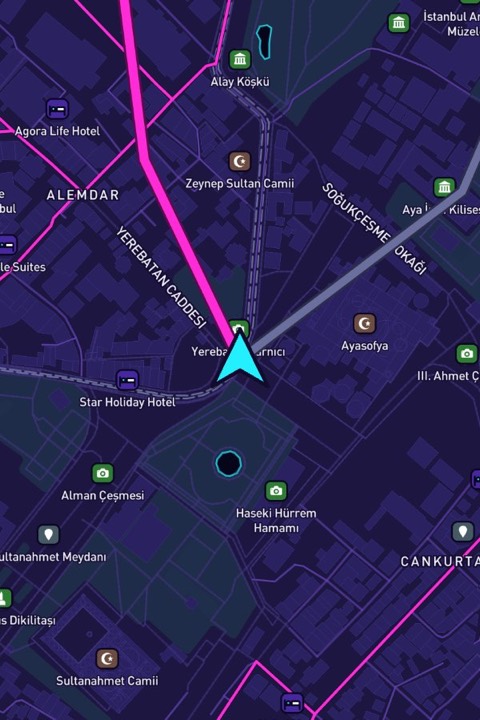
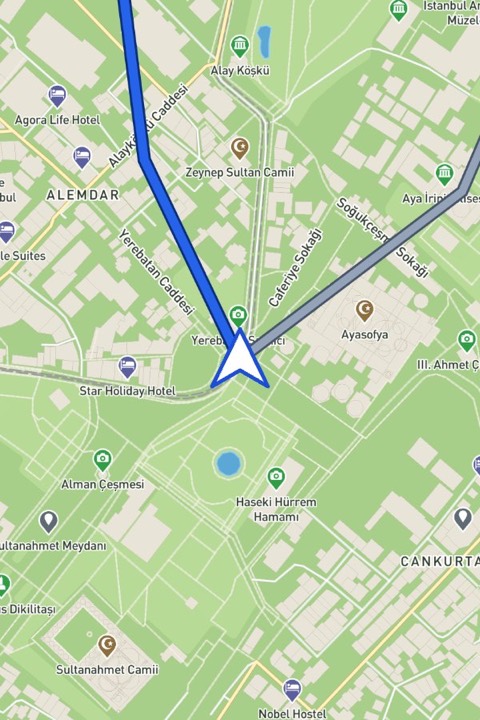
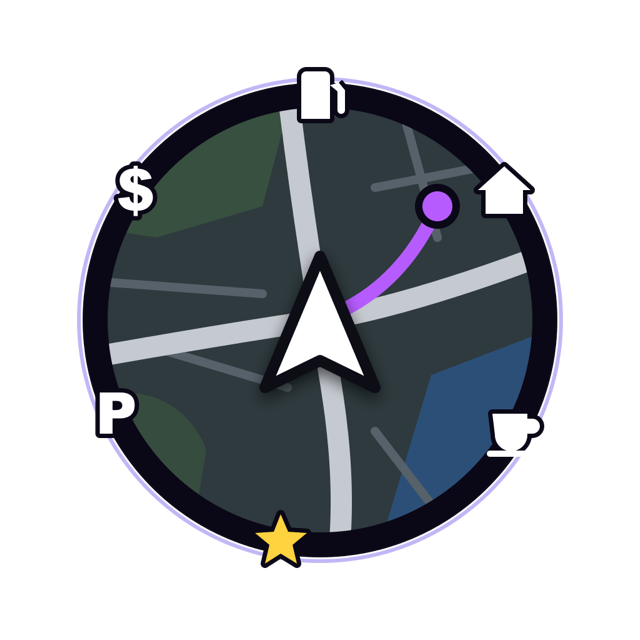
Game-styled navigation on your car's display: full-screen themed maps, turn-by-turn guidance through your car speakers and quick access to nearby fuel and parking.
Coming soon
FAQ
Questions?
Answers.
How does Mapio work?
Mapio uses your phone's GPS and up-to-date map data to show your real location on a game-inspired map. You drive real roads — they just look like they're straight out of a game.
Is Mapio free?
Mapio is free to download, and two map themes are free forever. Premium unlocks every map, the 3D vehicle garage and in-car support with a weekly or yearly subscription. You can cancel at any time in your App Store account settings.
How accurate is the navigation?
Routes, search and turn-by-turn directions come from professional map data, so they are as accurate as the navigation apps you already use — just rendered differently. Always follow road signs and traffic laws.
Is Mapio affiliated with game publishers?
No. Mapio's themes are original designs inspired by popular game genres. Mapio is not affiliated with, endorsed or sponsored by any game publisher.
How do I cancel or restore my subscription?
Subscriptions are managed by Apple: open Settings → your name → Subscriptions on your iPhone. To restore a purchase on a new phone, tap “Restore” on the Premium screen or in Mapio's settings. More help is on our support page.